Hover
How to transfer a domain away from Hover
Quick Answer
To transfer a domain away from Hover, unlock the domain, request the authorization (EPP) code, then start the transfer at your new registrar.
Steps to Transfer a Domain Away From Hover
1. Log in to Hover
Go to your Hover account
Click Sign in
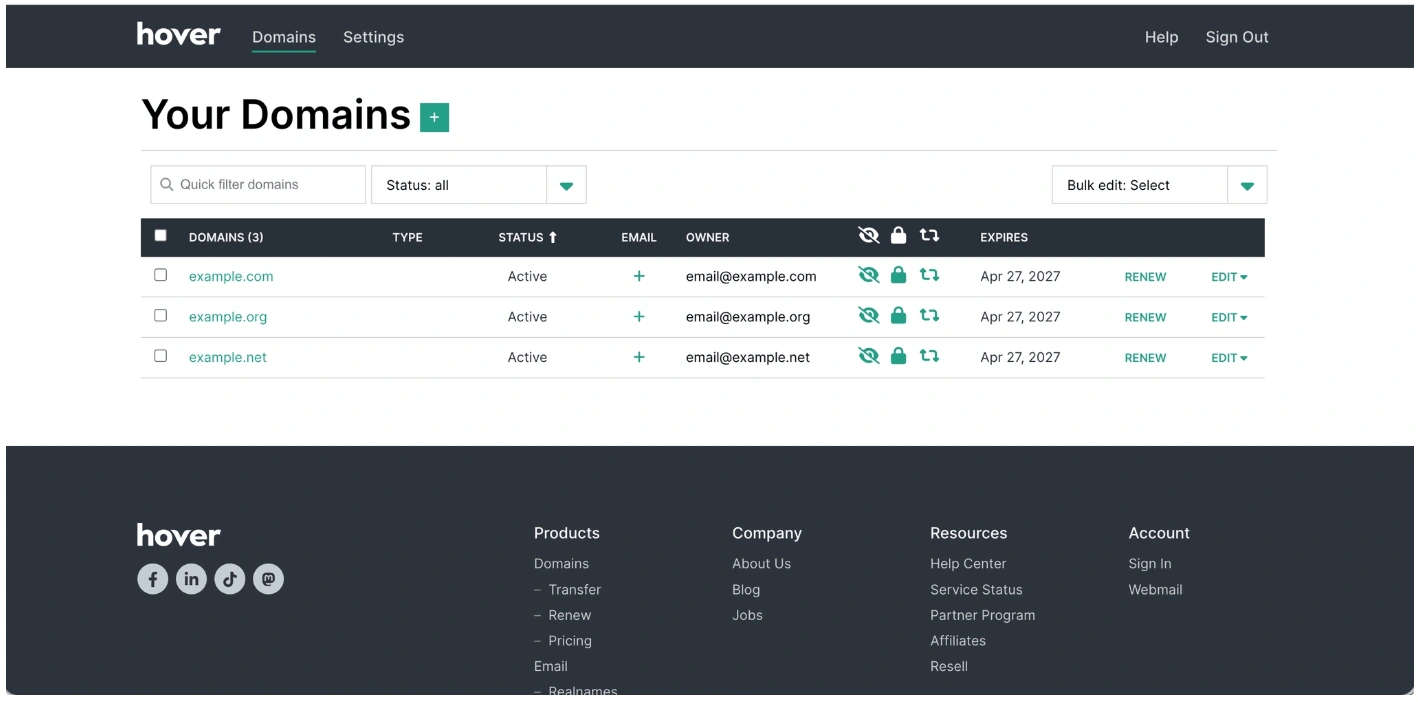
2. Open your domain
Select the domain you want to transfer
3. Unlock the domain
Once you are in the specific domain’s dashboard, Locate Transfer Lock
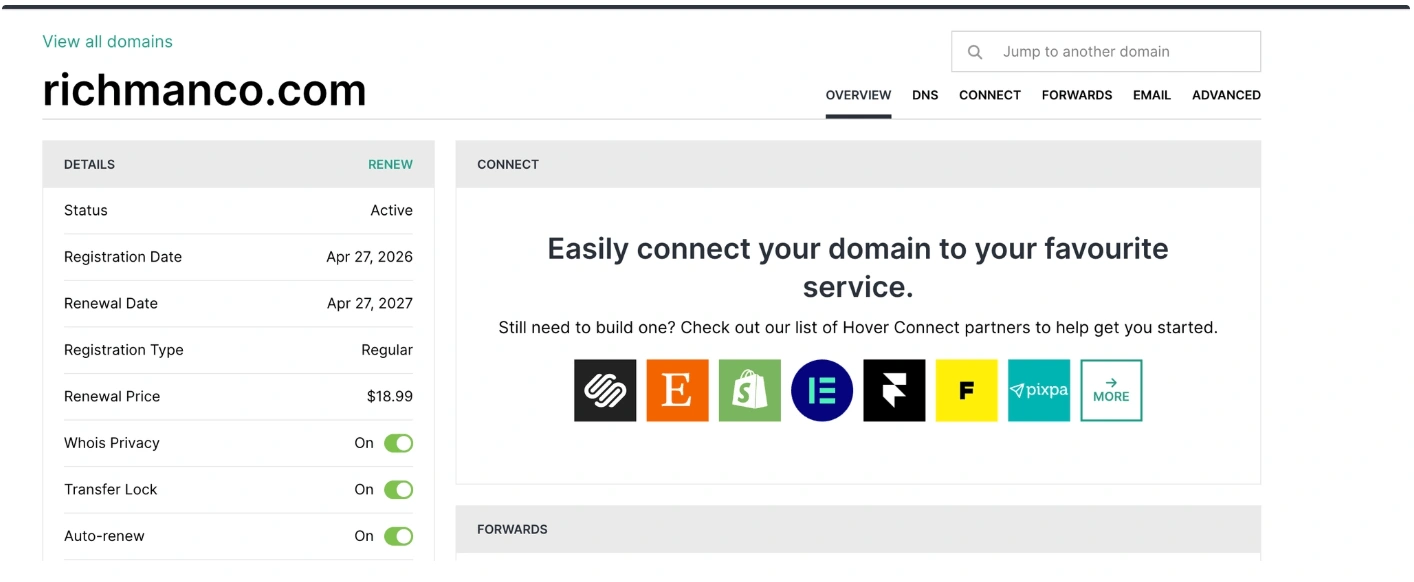
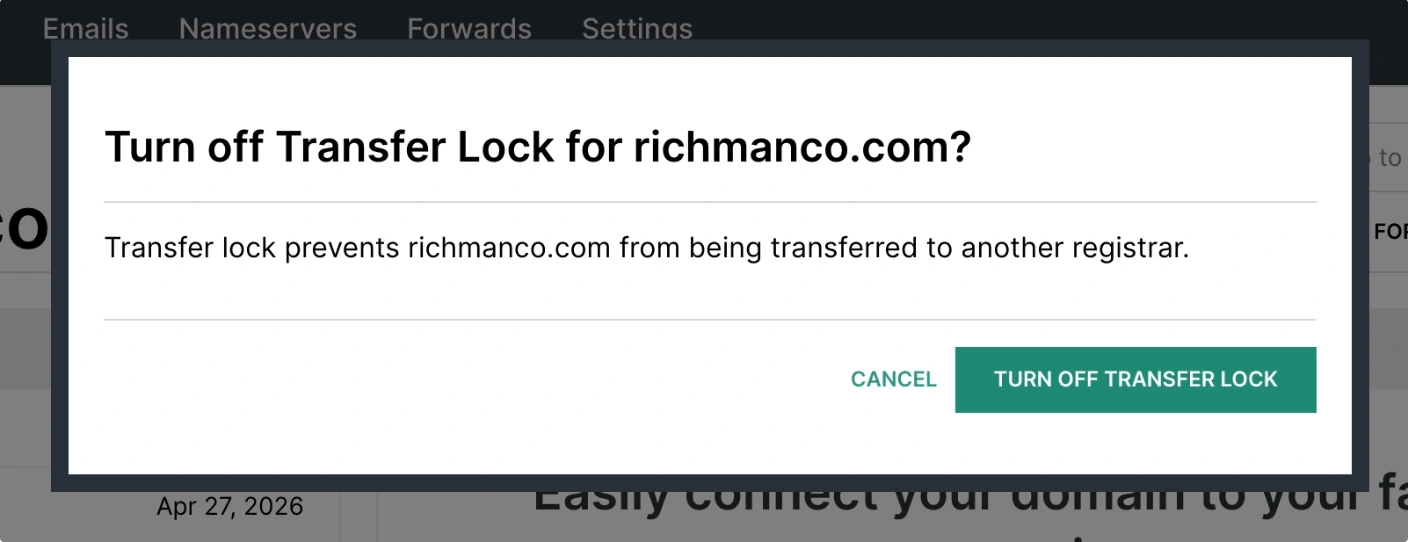
Once you toggle off Transfer Lock, a pop-up will appear requesting you to click Turn Off Transfer Lock
4. Get the authorization (EPP) code
Now click Retrieve under “Authorization code” to reveal the Auth code

Copy the EPP code

5. Start the transfer
Start the transfer at the new registrar
Enter the domain and EPP code
Common Issues
- Transfer is not available
- Domains can be locked after recent registration or transfer
We regularly review and update our guides to keep them accurate. If something looks off, email guides@snagged.com and we’ll fix it.