How to add an A record on Porkbun

Quick Answer
To add an A record on Porkbun, log in to your account, go to Domain Management, select your domain, and open DNS Records. Then add a new A record that points a hostname to an IP address.
Steps to Add an A Record on Porkbun
1. Log in to your Porkbun account
Go to your Porkbun Account
Enter your ‘Username’ and ‘Password’
Access your dashboard
2. Open domain management
Go to your list of your domains
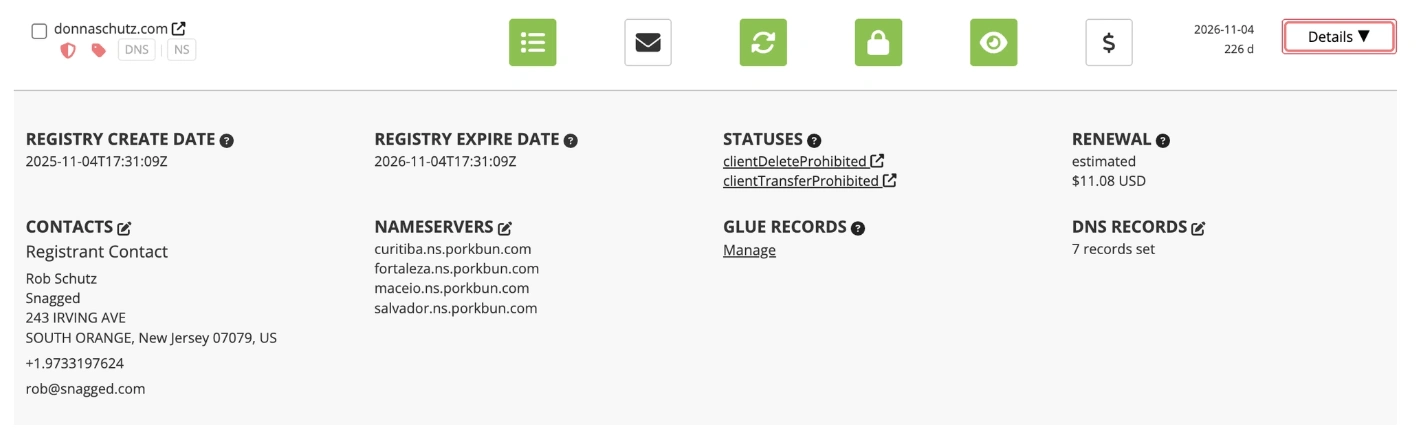
Find the domain you’re looking for and click “Details”

3. Locate DNS Records settings
Once Details is expanded, go to DNS Records and click the Edit icon located next to the DNS Records
A modal pop up appears at the far right of your screen that allows you to add a new Record
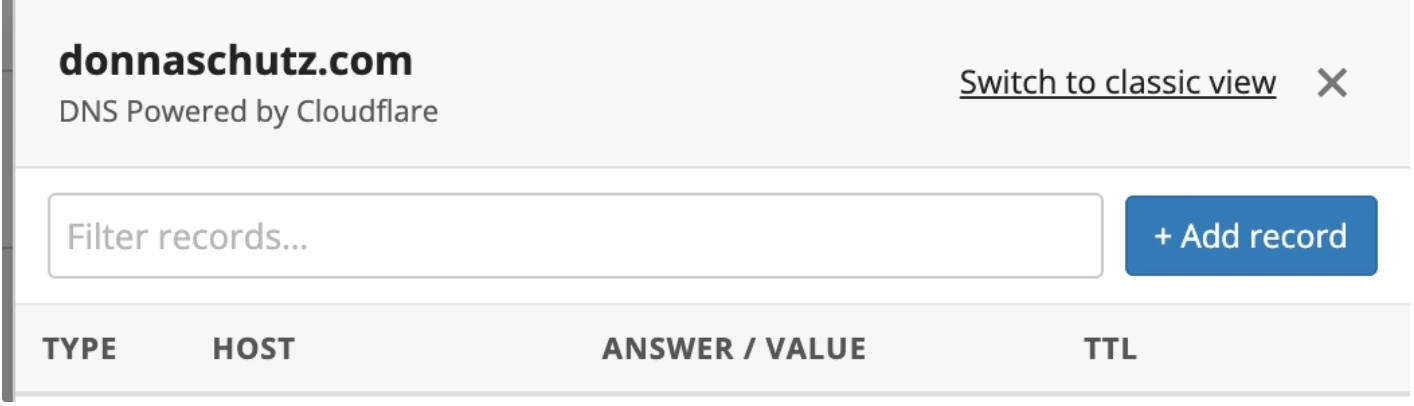
4. Enter the A record details
Click A Record
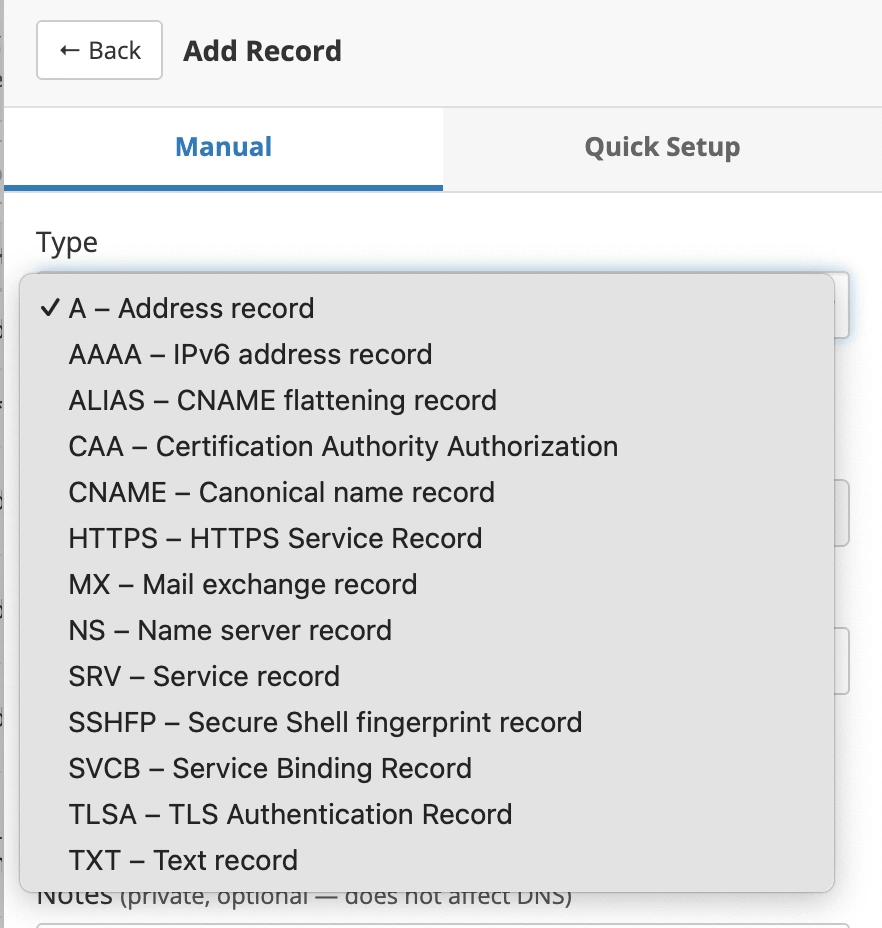
Then fill in the other required fields:
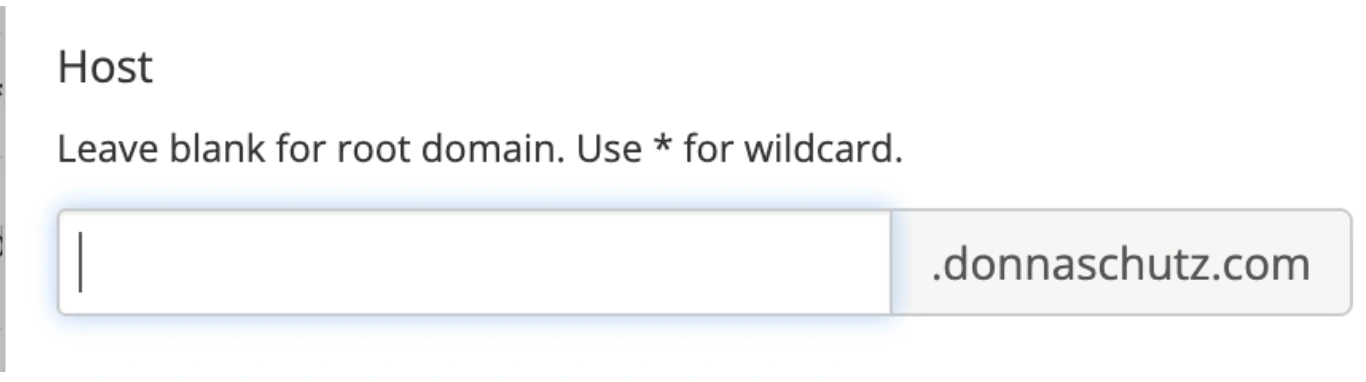
Host: the subdomain (for example @ for root or www)
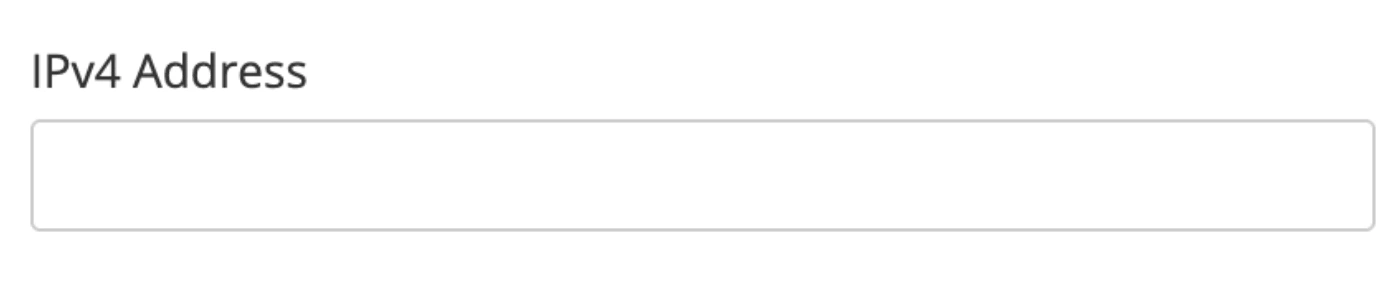
Value: the destination IPv4 address
Example: 192.168.1.1
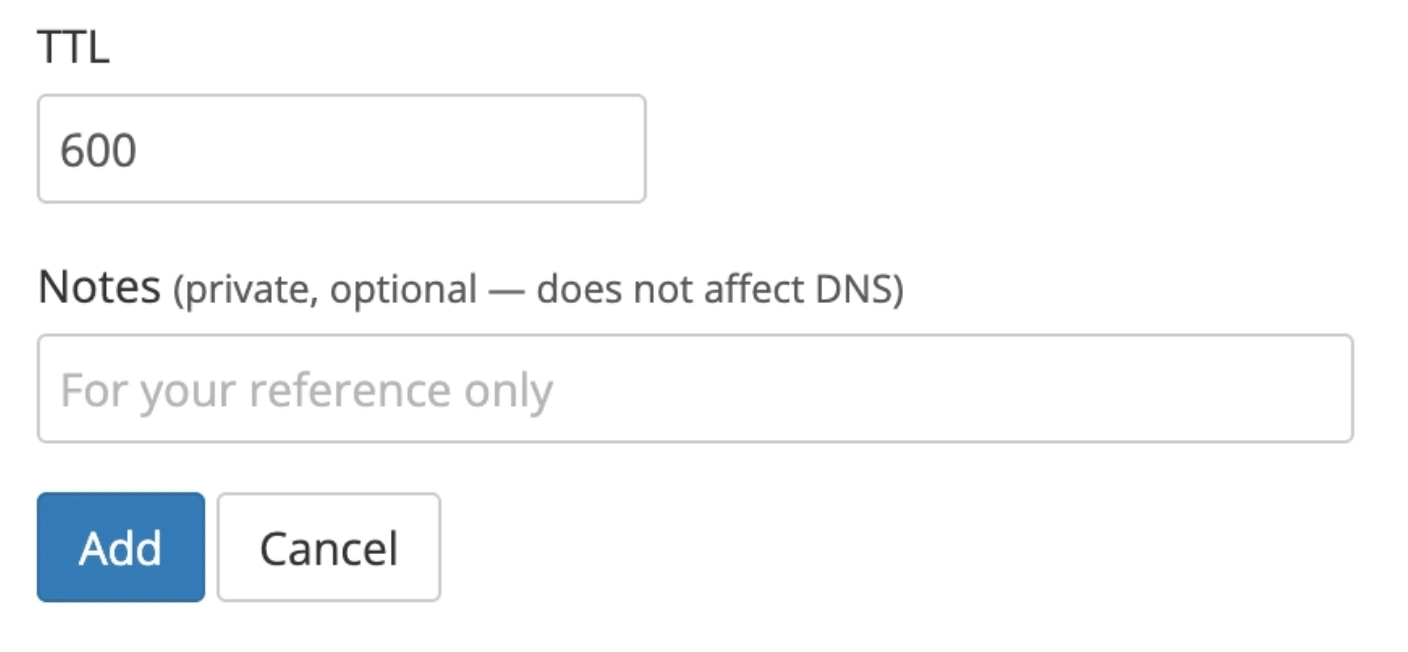
TTL: leave default unless needed
5. Save the record
- Click Add
What Happens Next
A record changes usually take effect within a few minutes, but may take up to 24 hours depending on DNS caching.
Common Issues
- A record not working
- Confirm the IP address is correct
- Make sure there are no conflicting A records for the same host
- Unable to add DNS records
- Ensure the domain is using Porkbun nameservers
- If not, DNS must be managed at your nameserver provider
We regularly review and update our guides to keep them accurate. If something looks off, email guides@snagged.com and we’ll fix it.