How to add a TXT record on Porkbun

Quick Answer
To add a TXT record on Porkbun, log in to your account, go to Domain Management, select your domain, and open DNS Records. Then add a TXT record with the value provided by your service (for verification, SPF, DKIM, or DMARC).
Steps to Add a TXT Record on Porkbun
1. Log in to your Porkbun account
Go to your Porkbun Account
Enter your ‘Username’ and ‘Password’
Access your dashboard
2. Open domain management
Go to your list of your domains
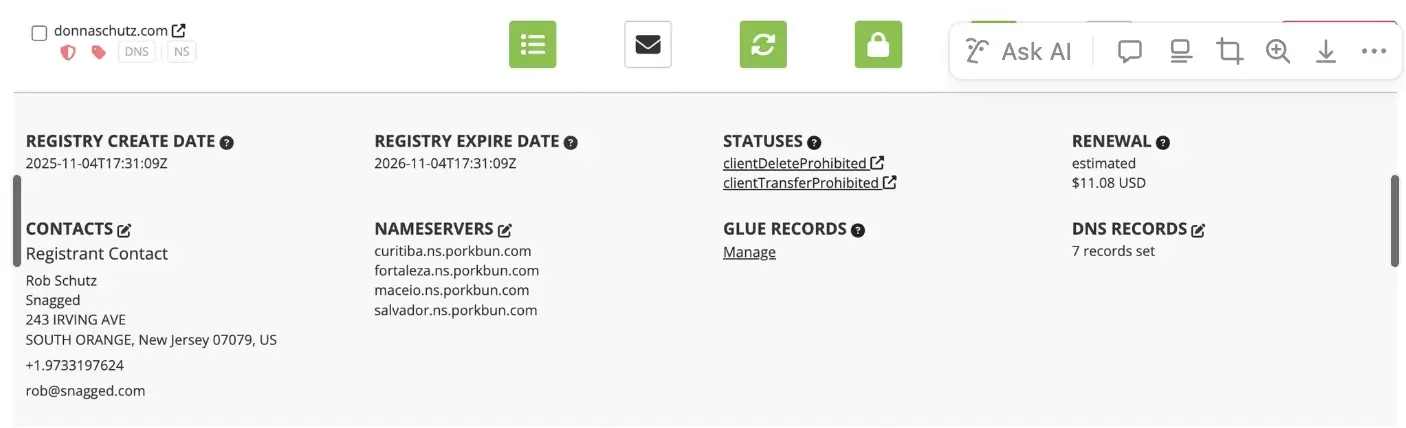
Find the domain you’re looking for and click “Details”

3. Locate DNS Records settings
Once Details is expanded, go to DNS Records and click the Edit icon located next to the DNS Records
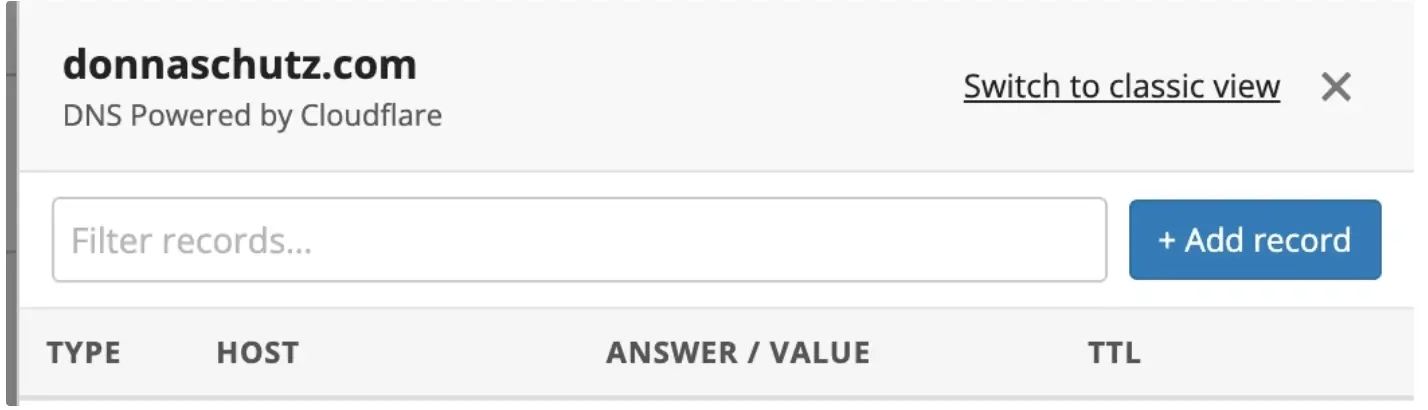
A modal pop up appears at the far right of your screen that allows you to Add a new Record
4. Enter the TXT record details
Click TXT Record
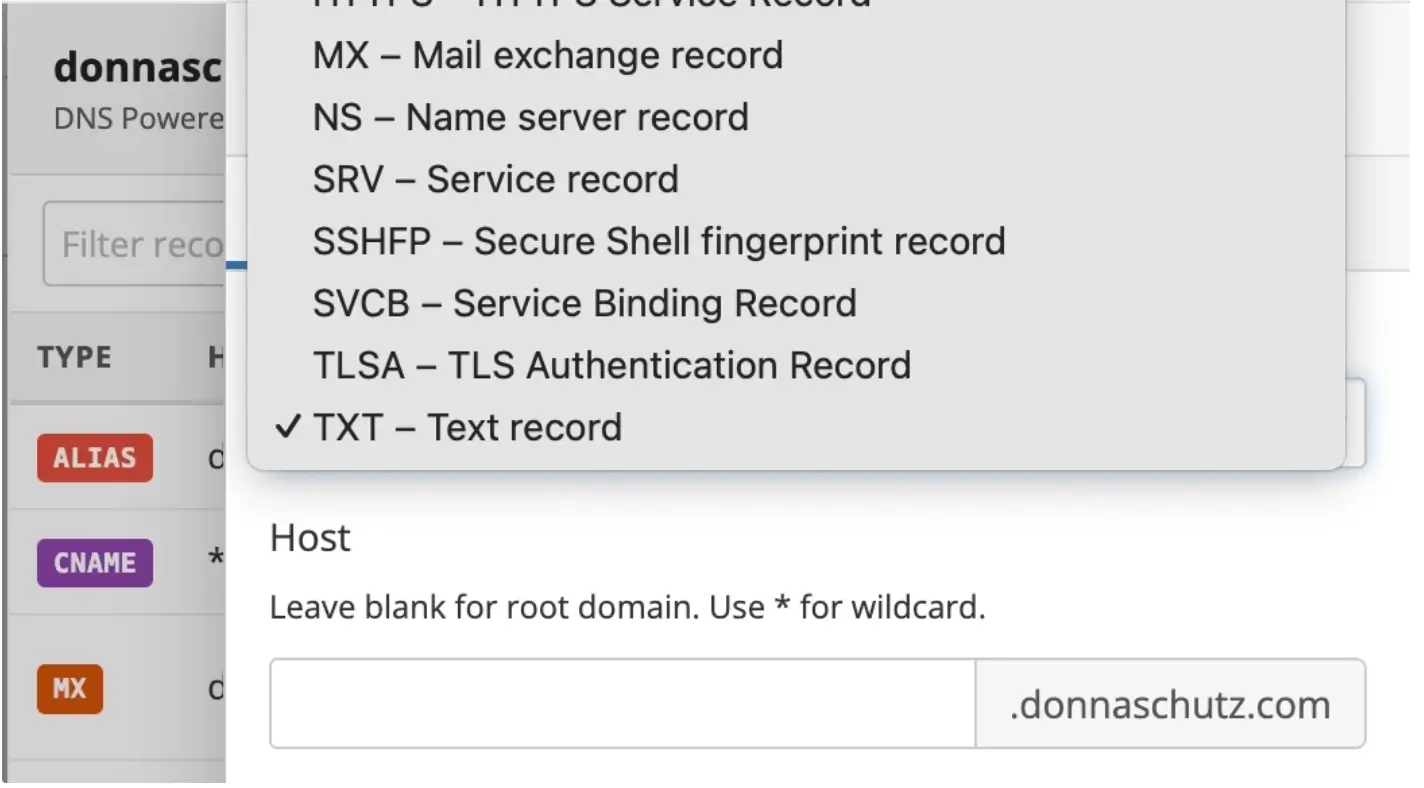
Then fill in the other required fields:
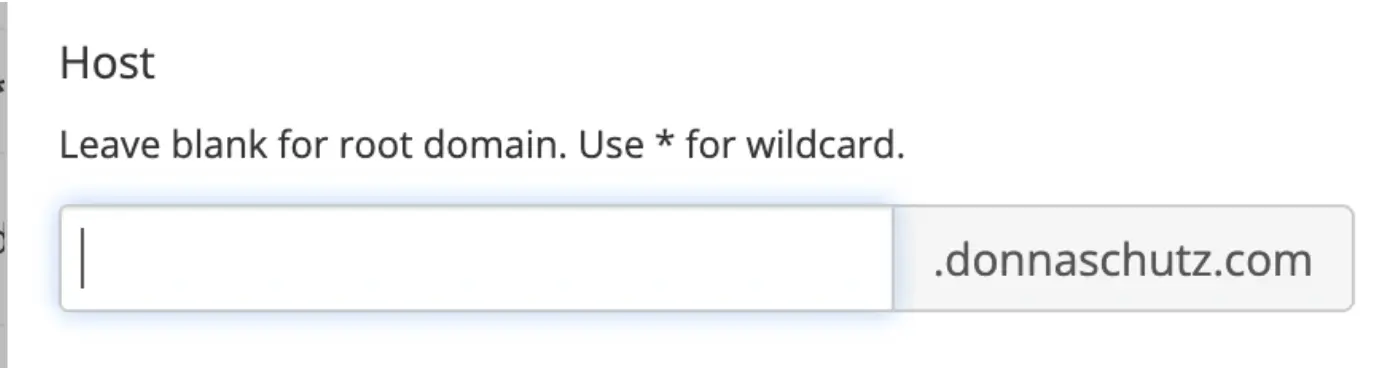
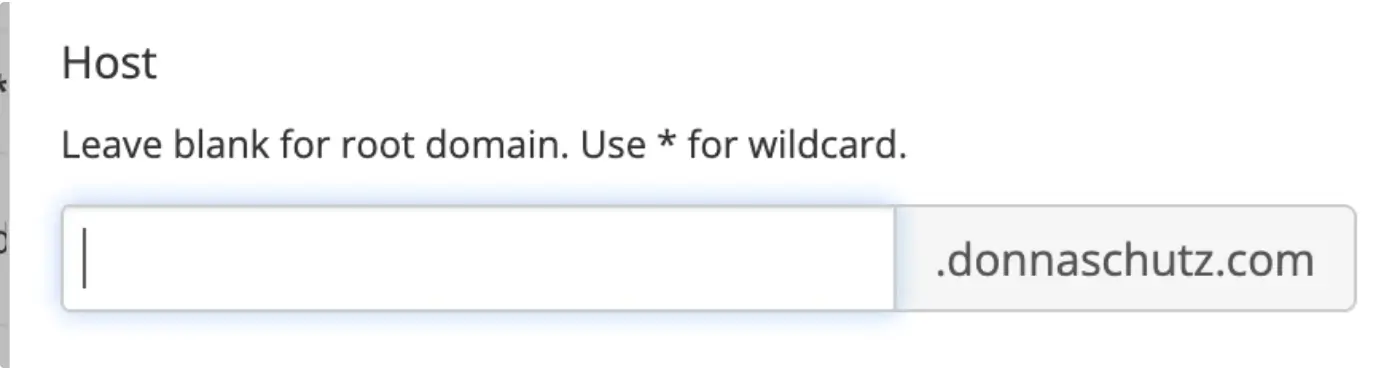
Host: the hostname (for example @, _dmarc, or google-site-verification)
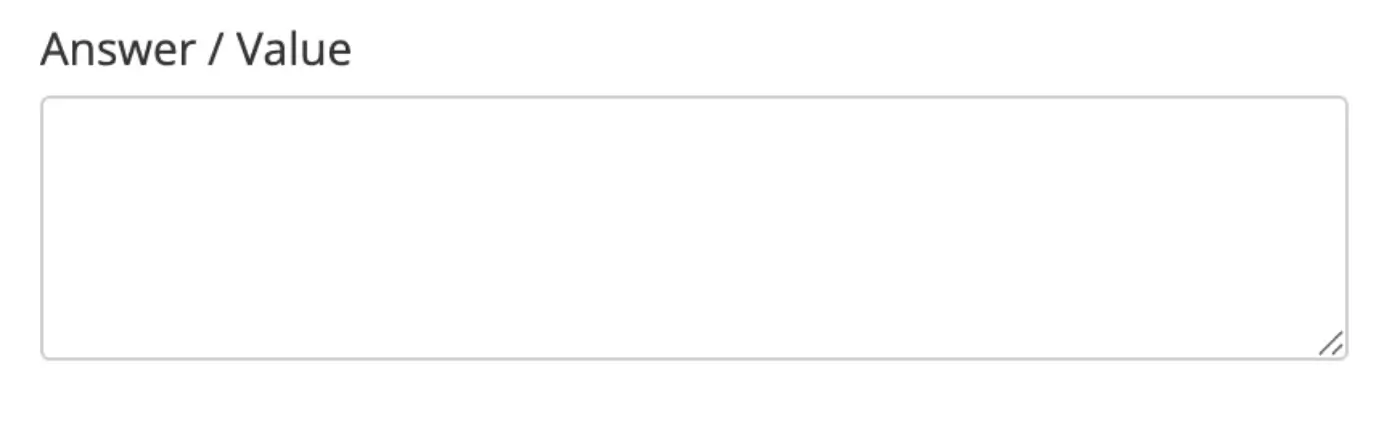
Answer / Value: the TXT value provided by your service
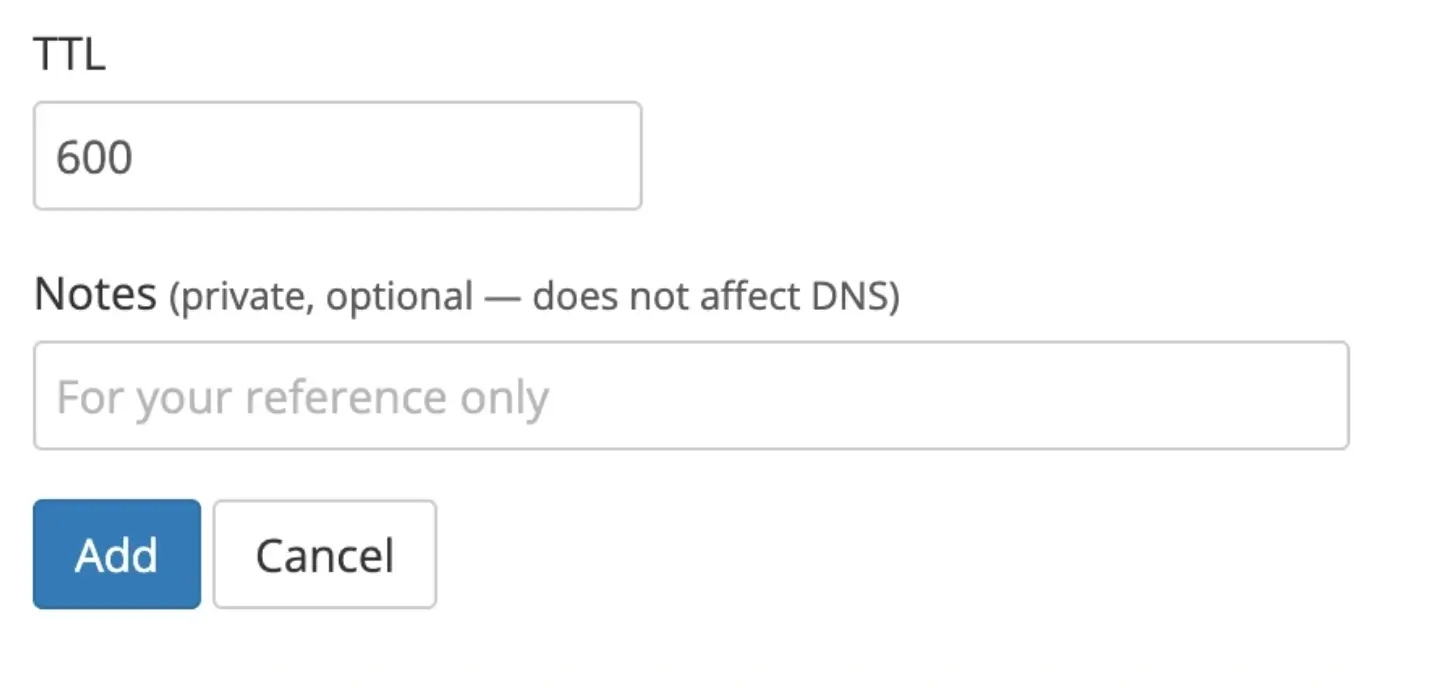
TTL: leave default unless needed
5. Save the record
Click Add
What Happens Next
TXT record changes usually take effect within a few minutes, but may take up to 24 hours depending on DNS caching.
Common Issues
- TXT record not verifying
- Confirm the value is copied exactly
- Wait for DNS propagation before verifying again
- Unable to add TXT records
- Ensure the domain is using Porkbun nameservers
- If not, DNS must be managed at your nameserver provider
We regularly review and update our guides to keep them accurate. If something looks off, email guides@snagged.com and we’ll fix it.